Quick Answer
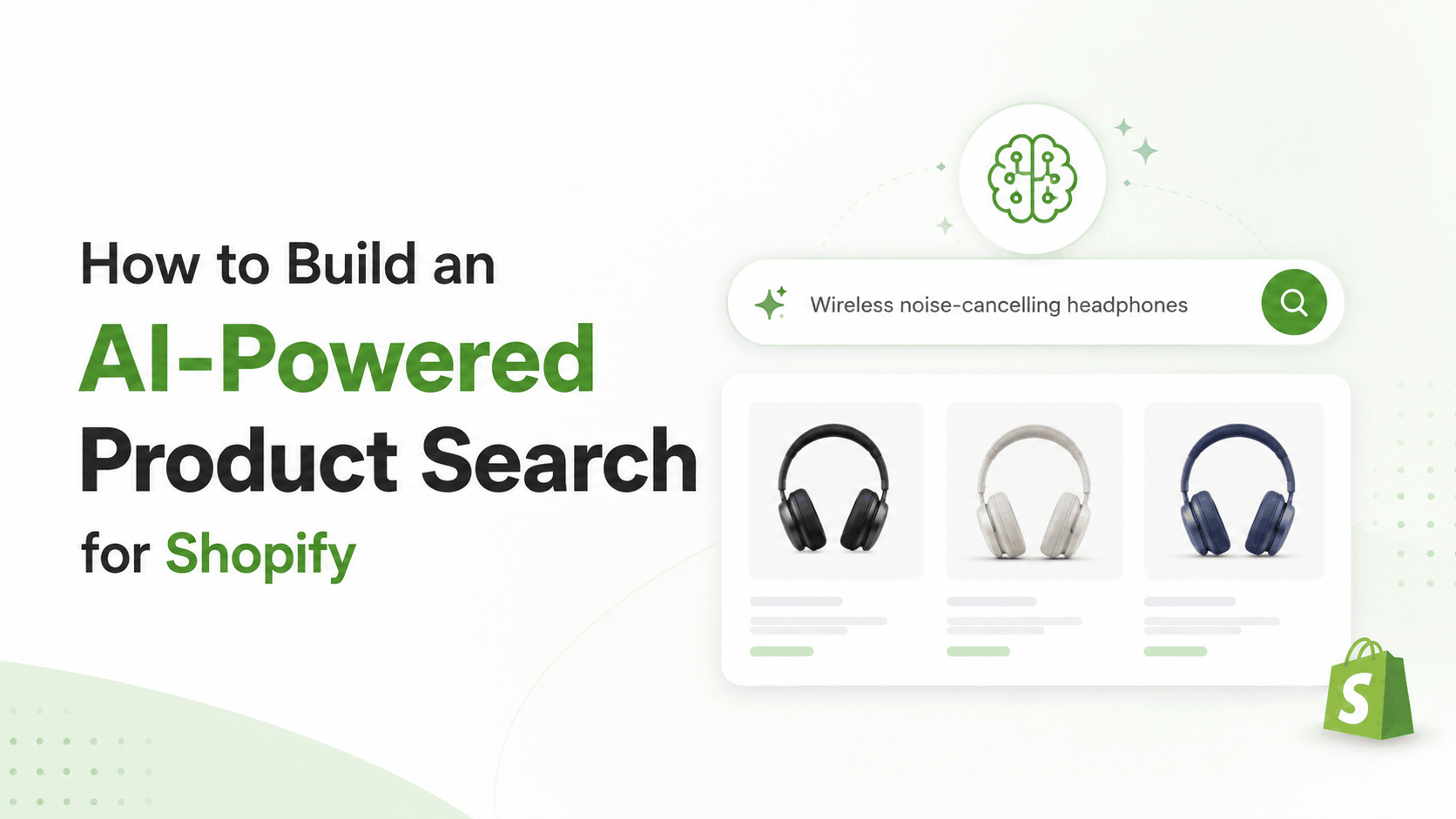
Building an AI-powered product search for Shopify means replacing or upgrading the platform’s default keyword-based search with a system that understands intent, synonyms, typos, and even images. This typically involves using Shopify’s Storefront API or Search & Discovery app as a foundation, then layering in AI capabilities through vector search, natural language processing, or a third-party AI search tool. The result is a search bar that returns relevant products even when a shopper’s query doesn’t exactly match product titles. For most store owners, the fastest path is combining Shopify’s native APIs with a proven AI search extension, though custom builds are worth it for stores with large or complex catalogs. A Shopify Development Company India experienced in both Shopify’s API layer and AI search integration can help you choose the right approach for your catalog size and budget.
Why This Matters Right Now
Shopify’s default search has always been functional but limited. It matches keywords closely to product titles and tags, which means a shopper searching for “warm jacket” might not see a product literally titled “insulated winter coat,” even though it’s exactly what they want.
This gap matters more than it used to. Customers are used to search experiences shaped by Google and AI chatbots, tools that understand what they mean, not just what they typed. When a store’s search feels clumsy by comparison, shoppers leave and buy somewhere else.
AI-powered search closes this gap. It understands synonyms, handles typos gracefully, and can even search by image or natural language description. This article walks through what AI search actually involves, how to approach building it on Shopify, and what mistakes to avoid along the way.
What Makes Search “AI-Powered”?
Not all search upgrades count as AI-powered. It helps to know the difference before choosing a direction.
Traditional search matches keywords against product titles, descriptions, and tags using exact or partial text matching.
AI-powered search typically includes one or more of these capabilities:
- Semantic search — understanding the meaning behind a query, not just matching words
- Synonym and intent recognition — knowing that “sneakers,” “trainers,” and “running shoes” might all point to the same products
- Typo tolerance — returning relevant results even when a shopper misspells a word
- Visual search — letting a shopper upload a photo to find similar products
- Natural language queries — handling searches like “a gift for someone who likes hiking” rather than just product names
Most AI search implementations on Shopify combine several of these, rather than relying on just one.
Core Approaches to Building AI Search on Shopify
Approach 1: Shopify Search & Discovery App
Shopify’s own Search & Discovery app includes some AI-assisted features, like synonym suggestions and smart filtering, built directly into the platform. This is the simplest starting point and requires no custom development.
Good for: Smaller catalogs, stores wanting a quick improvement without custom development budget.
Limitation: It’s more of an enhanced traditional search than a full AI semantic search system. It won’t handle visual search or complex natural language queries.
Approach 2: Third-Party AI Search Apps
Several Shopify App Store tools (built by companies specializing in AI search) offer semantic search, visual search, and natural language capabilities as installable apps.
Good for: Stores wanting AI search quickly without building infrastructure from scratch.
Limitation: Less control over exactly how the search algorithm ranks results, and ongoing subscription costs scale with catalog size or search volume.
Approach 3: Custom Build Using Vector Search
This involves building a custom search system using vector embeddings, a method where product data is converted into numerical representations that capture meaning, then matched against a shopper’s query using similarity search.
Good for: Large or complex catalogs, stores with very specific search requirements, businesses wanting full control over ranking logic.
Limitation: Requires development resources, ongoing maintenance, and a clear technical plan. This is where working with an experienced Shopify developer becomes important.
Step-by-Step: Building a Custom AI Search System
For teams considering a custom build, here’s the general process.
Step 1: Pull Clean Product Data Through the Storefront API
Before adding any AI layer, product data needs to be accessible and well-structured. Shopify’s Storefront API (GraphQL-based) is the standard way to pull product titles, descriptions, variants, metafields, and images programmatically.
Clean, consistent product data here is the foundation. If product descriptions are inconsistent or metafields are missing, the AI search layer built on top will struggle to return accurate results.
Step 2: Generate Vector Embeddings for Product Data
Each product’s relevant text (title, description, key attributes) gets converted into a vector embedding, a numerical representation of its meaning, using an embedding model.
This step is what enables semantic search. Instead of matching exact words, the system compares the meaning of a shopper’s query to the meaning of each product.
Step 3: Store Embeddings in a Vector Database
The generated embeddings need to be stored somewhere searchable. Vector databases are built specifically for this kind of similarity search, allowing fast lookups across thousands or millions of product embeddings.
Step 4: Build the Query Pipeline
When a shopper types a search query, that query also gets converted into an embedding using the same model. The system then searches the vector database for the closest matching product embeddings and returns those as results.
This pipeline typically runs through a backend service that connects to Shopify via API, rather than running directly inside Shopify’s theme code.
Step 5: Connect Results Back to the Storefront
Once relevant product matches are identified, the results need to be displayed on the actual storefront. This usually means building a custom search results template or app block that calls the AI search backend and renders the returned products using Shopify’s theme architecture.
Step 6: Test, Tune, and Monitor
AI search isn’t a “set it and forget it” system. Ongoing steps include:
- Reviewing search query logs to see what shoppers are actually typing
- Checking for queries that return poor or irrelevant results
- Adjusting ranking logic as the catalog grows or changes
- Re-generating embeddings when product data is updated
Common Problems and Mistakes
Skipping data cleanup before adding AI. AI search amplifies whatever data quality already exists. Messy, inconsistent product descriptions lead to confusing AI search results, not better ones.
Choosing a custom build when an app would do. For smaller catalogs, a third-party AI search app is often faster, cheaper, and good enough. Custom builds make sense mainly at scale or with specific needs an app can’t meet.
Ignoring mobile search performance. AI search backends add processing steps. If response times aren’t tested on mobile connections, search can feel sluggish even if it’s technically more accurate.
Not updating embeddings when products change. If a product’s description or key details are updated but its embedding isn’t regenerated, search results can become outdated or inaccurate over time.
Forgetting about typo tolerance and query variety. Real shoppers misspell words, use abbreviations, and phrase things unexpectedly. Testing only with clean, correctly spelled queries gives a false sense of how well search performs.
A Practical Example: Upgrading Search for a Mid-Sized Catalog
Consider a home goods Shopify store with around 3,000 SKUs and a search bar that was returning poor results for anything beyond exact product name matches.
Problem: Customers searching for descriptive terms like “cozy throw blanket” weren’t finding relevant products that were titled more technically, like “wool-blend knit blanket, 50×60.”
Strategy: Implement a semantic search layer using vector embeddings, built on top of clean, standardized metafield data pulled through the Storefront API.
Implementation: Product data was audited and standardized first, ensuring consistent attributes across all SKUs. Embeddings were generated for each product and stored in a vector database, with a custom search results page built to display matches through the storefront theme.
Result: Search began returning relevant products for descriptive, natural-language queries, not just exact keyword matches, improving the overall search experience across the catalog.
Key lesson: The AI layer only works as well as the underlying product data. Data cleanup wasn’t a side task, it was the foundation the entire project depended on.
Best Practices for AI-Powered Shopify Search
- Standardize product data and metafields before adding any AI search layer
- Choose between an app-based solution and a custom build based on catalog size and budget, not just trend-chasing
- Test search with real, imperfect queries, including typos and natural language phrasing
- Monitor search query logs regularly to catch gaps in results
- Plan for embedding updates whenever product data changes
- Keep mobile search performance in testing scope from the start, not as an afterthought
Tools and Resources Worth Knowing
- Shopify Storefront API documentation — the standard way to pull structured product data for any custom search build
- Shopify Search & Discovery app — a solid starting point for stores not ready for a custom build
- Vector database providers — specialized databases built for storing and querying embeddings at scale
- Shopify App Store AI search apps — pre-built AI search solutions worth evaluating before committing to custom development
Choosing the Right Approach for Your Store
Not every store needs a fully custom vector search system. The right approach depends on catalog size, budget, and how complex your product data already is.
A Shopify Development Company India experienced in both Storefront API work and AI integrations can help assess whether an app-based solution is sufficient or whether a custom build is worth the investment. If you’re planning to Hire Shopify Developer India for this project, ask specifically about experience with vector search implementations and Storefront API data pipelines, not just general theme customization.
Elite Webbies has worked on both app-based and custom AI search implementations for Shopify stores, starting with a clear audit of catalog size and data quality before recommending a direction. As an Ecommerce Development Company India, the goal is always a search experience that actually improves conversions, not just one that sounds impressive on paper.
Frequently Asked Questions
- 1. Do I need a custom build, or is a Shopify AI search app enough?
For most small to mid-sized catalogs, a third-party AI search app is usually enough and much faster to implement. Custom vector search builds make more sense for large catalogs or very specific search requirements an app can’t handle. - 2. What is vector search, and why does it matter for product search?
Vector search compares the meaning of a query to the meaning of your products using numerical representations called embeddings. It allows search to understand intent and context, not just match exact keywords. - 3. Will AI search slow down my Shopify store?
It can add some processing time if not implemented carefully, but a well-built system with proper caching and testing shouldn’t noticeably impact load times. Performance testing on mobile connections is important before launch. - 4. Does AI search replace Shopify’s built-in search completely?
It depends on the approach. Some solutions work alongside Shopify’s native search, while custom builds often replace it entirely with a backend-driven search experience. - 5. How much does it cost to build AI-powered search for Shopify?
Costs vary widely. App-based solutions typically involve a monthly subscription based on catalog size or search volume, while custom builds involve development costs upfront plus ongoing maintenance. - 6. Can AI search handle product images, not just text?
Yes, with visual search capabilities, which let shoppers upload a photo to find visually similar products. This requires additional setup beyond basic text-based semantic search. - 7. How often do product embeddings need to be updated?
Embeddings should be regenerated whenever significant product data changes, like updated descriptions or new attributes. For stores with frequent catalog updates, this is often automated as part of the data pipeline. - 8. Should I hire a Shopify developer in India to build this?
If your team doesn’t have in-house experience with APIs, embeddings, and vector databases, working with an experienced Shopify Development Company India can help you avoid costly missteps and choose the right approach for your catalog size and budget.